Reports
Calibrate Button
We added a "Calibrate" button to the bottom of the Price Tags app....
If your printer is skipping labels, you may need to calibrate it
Previously, this required following instructions in our help section or contacting tech support
Now, you can simply click the "Calibrate" button to resolve the issue.
Label Maker
You can now print customized text onto stickers directly from the Price Tags app....
Common examples include:
- Set of 5
- Store Use
- Tested OK
- Not for Sale
This feature works with your existing sticker or secondary printer, and the text is designed to fit a standard price tag sticker
Click the "Label" button at the bottom of the app, enter or select your desired text, and click "Print."
Verify Employee
Auto-verify employment status before giving Employee coupons...
1. Create a new coupon named "Employee"
2. When creating or editing an employee’s Rewards card, ensure the "Employee" checkbox is selected
3. Within Users, enter the corresponding Rewards phone number for each employee
4. Navigate to All Workstations > Rewards Cards and set "Verify Employee" to True
Once these settings are active, the system will verify employment status before applying the coupon
If an employee is deleted from Users, they will be denied the "Employee" coupon even if the "Employee" box remains checked on their Rewards card
Nearest Nickel
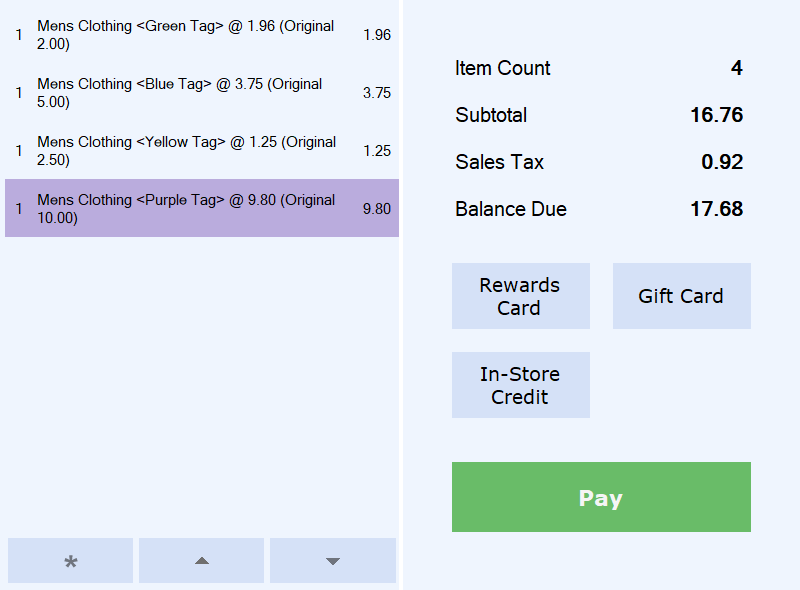
Automatically round to a nickel when paying with CASH...
1. If you don't already have it, create a category named "Nearest Nickel" under OTHER NON-PRODUCED
2. Under Settings/ All Workstations/ Cash Register: Change "Round Down to a Nickel" to "True"
3. Although it's recommended you only round down, "Round Up to a Nickel" is also a setting. If both are set to "True", it will round to the nearest nickel
If you don't see these settings, contact us to upgrade Thrift Works
Rounding totals can be found under Nearest Nickel within the Sales by Category report.
Multi-Source Vouchers
In ONE transaction on a register, you can have...
Vouchers from another system (API)
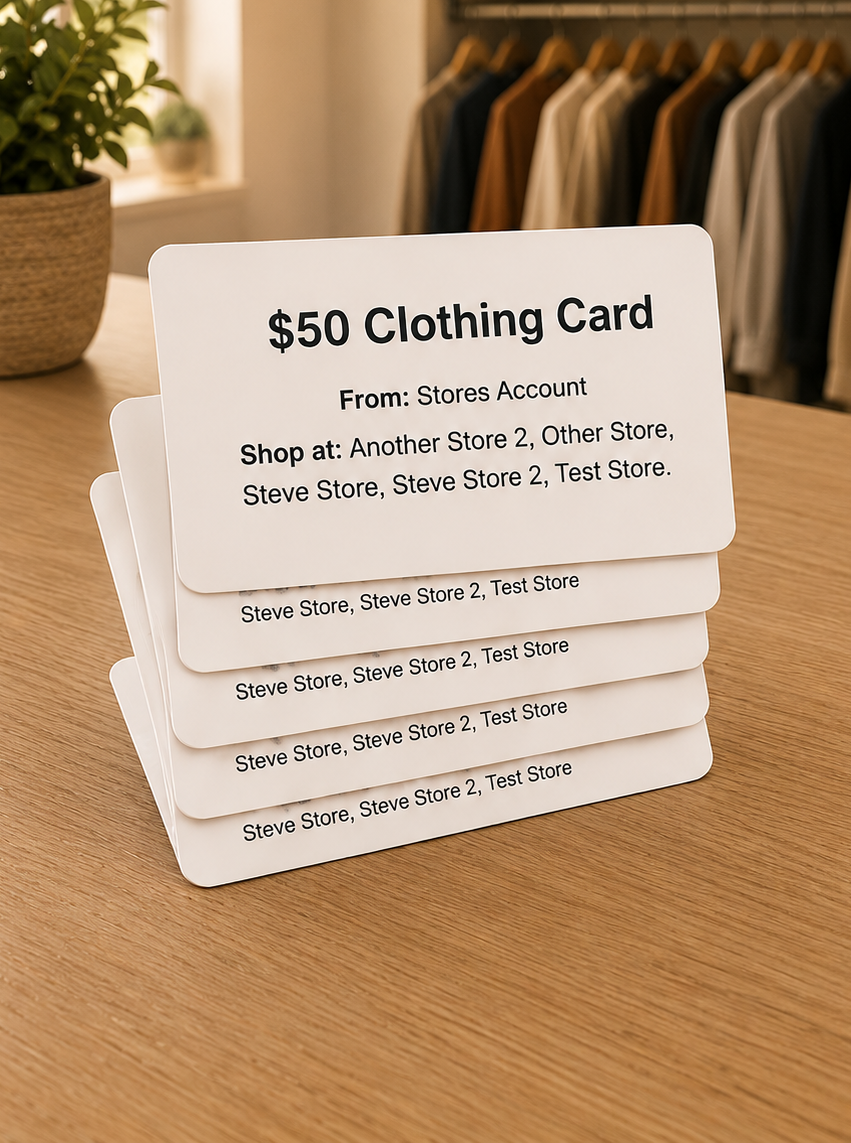
Multiple Cares Cards (pre-loaded values)
Vouchers issued at the register (on the spot)
Thinking of using another system for managing client assistance?
That's great. They can use our API to issue vouchers directly from their system.
If they haven't integrated with us yet, we developed a way for you to quickly enter Voucher ID and dollar amounts. So when they do, the data would be similar.
New stores start with being able to Issue at the Register out-of-the-box. Existing stores should contact us to set this up.
Multi-Store Mode
Centralized processing centers can easily switch between stores when printing price tags.
Makes sellthrough possible at the store level
Daily production goals can be measured and met per store
You can also switch between stores to edit users, settings, permissions, etc...
Contact us to set this up.
Production Planning
After setting production goals, you'll get...
A production plan for each day (per store)
Estimated full-time producers you'll need
Updates on how you're doing WTD
Goal reccomendations (one-click to apply)
Goals remaining displayed on the price tags app
Production Planning short cuts can be found on the right side of your Dashboard.
Production Planning settings and reports can be found under the Goals tab.
Surcharge on Credit Cards Only
When applying a surcharge to credit cards, in some states it's illegal to do so for debit cards...
We added an ability to detect debit cards and automatically remove surcharges
It requires the hosted version of NETePay (monthly fee applies) and new compatable credit card readers.
We can set this up for new stores or convert existing stores. Let us know if you would like this feature.
Access your Data Directly
You can now directly access data in CSV format...
This feature allows for automated weekly downloads
Please contact us to set this up for your account.
I am interested in hearing how you plan to use this new feature.